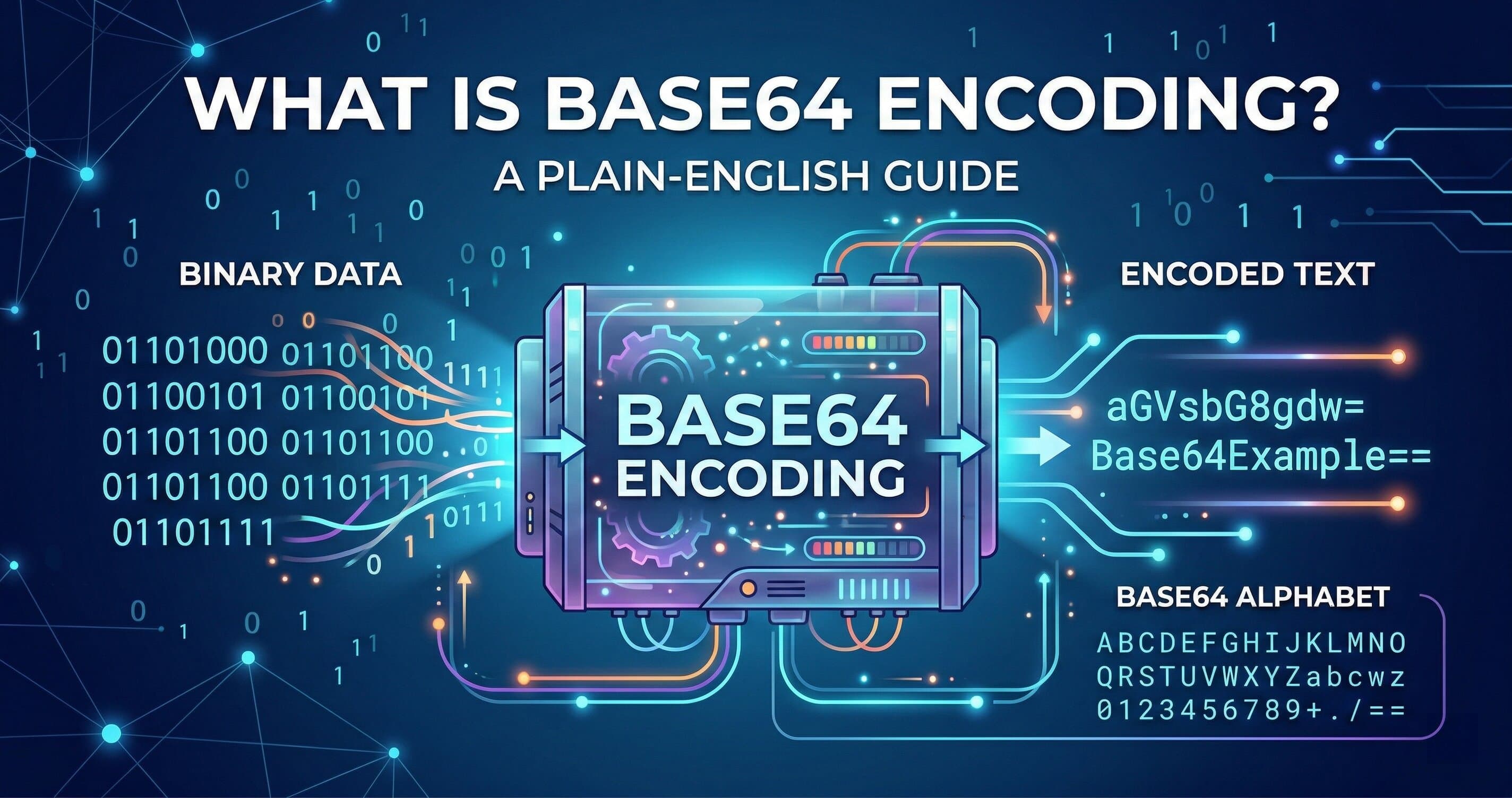
Base64 turns any file or string into plain text so you can send it anywhere that only accepts text — email headers, JSON payloads, CSS data URIs. It's not encryption. It doesn't hide anything. It just makes binary data safe to travel.
You've probably seen it without knowing what it was. That wall of letters and slashes at the end of a JWT token? Base64. The inline image in an HTML email that doesn't need a separate file? Base64. The encoded credentials in an HTTP Authorization header? Also Base64.
Here's how it actually works — and when to use it.
What is Base64 encoding?
Base64 is an encoding scheme that converts binary data into a string of 64 printable ASCII characters. Those characters are: A–Z, a–z, 0–9, +, and / — plus = as padding. The result is longer than the original, but it'll travel safely through any text-based system without getting corrupted.
Why you need to know this
Most network protocols were built to handle text. Email (SMTP), HTTP headers, HTML — all text-based. Binary data like images, PDFs, or audio files doesn't survive that journey intact. Characters get stripped. Bytes get reinterpreted. The file arrives broken.
Base64 is the fix. It converts the binary into a string that only uses safe, predictable characters — so nothing gets mangled in transit.
The three places you'll hit this in the real world:
Email attachments. Every time you attach a file to an email, your mail client Base64-encodes it before sending. The recipient's client decodes it on arrival. You never see this happen, but it's happening every time.
Embedding images in HTML or CSS. Instead of hosting an image at a URL, you can embed it directly in your markup as a Base64 string. Useful for small icons that you don't want as separate HTTP requests.
API authentication. HTTP Basic Auth sends your credentials as username:password Base64-encoded in the Authorization header. It looks like gibberish — QWxhZGRpbjpvcGVuIHNlc2FtZQ== — but it decodes instantly and isn't secure on its own without HTTPS.
How Base64 encoding works — with real examples
The concept is straightforward. Take binary data, group it into 6-bit chunks, map each chunk to one of the 64 characters in the Base64 alphabet. Repeat until done. Add = padding if the input doesn't divide evenly.
Here's what it looks like in practice:
Encoding a simple string:
Input: Hello
Base64 output: SGVsbG8=
That = at the end is padding — the input was 5 bytes, which doesn't divide evenly into 3-byte groups, so Base64 pads it.
Encoding a longer string:
Input: {"user":"admin","role":"editor"}
Base64 output: eyJ1c2VyIjoiYWRtaW4iLCJyb2xlIjoiZWRpdG9yIn0=
This is exactly the kind of thing you'd see in a JWT payload. It looks encoded, but it's not encrypted — anyone can paste that string into a decoder and read the original JSON.
Encoding a URL for an API header:
Input: myapp:supersecretpassword
Base64 output: bXlhcHA6c3VwZXJzZWNyZXRwYXNzd29yZA==
A Basic Auth header would look like: Authorization: Basic bXlhcHA6c3VwZXJzZWNyZXRwYXNzd29yZA==
Again — not encrypted. Anyone who intercepts this request and decodes it gets your credentials. That's why Basic Auth only makes sense over HTTPS.
Base64 vs alternatives — when to use what
| Situation | Use |
|---|---|
| Sending binary data through a text-only channel | Base64 |
| Hiding sensitive data from users | Encryption (not Base64) |
| Compressing data to save space | gzip / Brotli |
| Transmitting structured data via API | JSON (no encoding needed) |
| Embedding small icons in CSS | Base64 data URI |
| Embedding large images in HTML | External URL — not Base64 |
The size tradeoff is real. Base64 increases the size of your data by roughly 33%. For a 10-character string, that's noise. For a 2MB image you're trying to embed inline, that's a meaningful performance hit — and you'd be better off serving it as a separate file.
Free Tool
Free Base64 Encoder & Decoder
Encode or decode Base64 strings in one click.
When to use Base64 — and when not to
Use it when:
- You need to send binary data through a system that only accepts text
- You're working with JWT tokens or HTTP Basic Auth
- You want to embed a small image (under ~5KB) directly in HTML or CSS without a separate file request
- You're storing binary data in a JSON field or database column that expects a string
Don't use it when:
- You want to encrypt or hide data. Base64 is trivially reversible by anyone.
- You're transmitting large files inline. The 33% size increase plus the decode step costs more than a separate HTTP request would.
- You think it adds security. It doesn't.
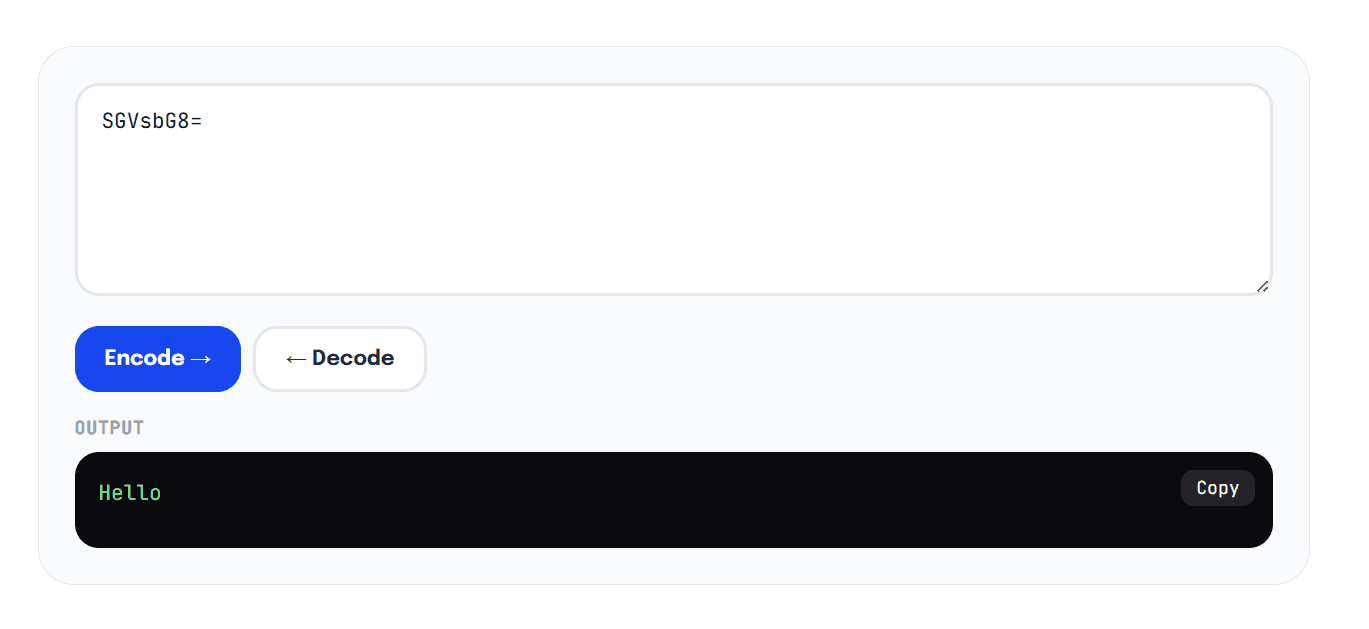
echo "SGVsbG8=" | base64 --decodetakes two seconds and outputsHello.
The URL-safe variant
Standard Base64 uses + and / in its character set. Both of those characters mean something in URLs — + is a space, / is a path separator. So if you're ever putting a Base64 string inside a URL or query parameter, use the URL-safe variant instead: it swaps + for - and / for _. The PublicTools encoder supports both.
Common mistakes
Treating Base64 as encryption. This comes up constantly. A developer encodes a token, it looks like gibberish, they assume it's secure. It's not. Decode it in under five seconds at any Base64 tool. If the data is sensitive, encrypt it — don't just encode it.
Using standard Base64 in URLs. Paste SGVsbG8+Wg== into a URL and the + becomes a space, breaking your string. Switch to the URL-safe variant (SGVsbG8-Wg==) before putting Base64 anywhere near a query string.
Encoding already-encoded data. You'd be surprised how often this happens — someone encodes a file, then the receiving system encodes it again before storing it. You end up with double-encoded gibberish that requires two decode passes. Check your pipeline.
Confusing encoding with hashing. Base64 is two-way — encode and decode freely. A hash (MD5, SHA-256) is one-way — you can't reverse it. Different tools for entirely different jobs.
Base64 is one of those fundamentals that shows up everywhere once you know to look for it. JWT tokens, API auth headers, embedded images, email attachments — it's all the same idea. Need to see it in action?
Try our Base64 encoder and decoder — paste in any string or file and get the encoded output in under a second. If you're working with JSON payloads, our JSON formatter pairs well with it for debugging API responses.