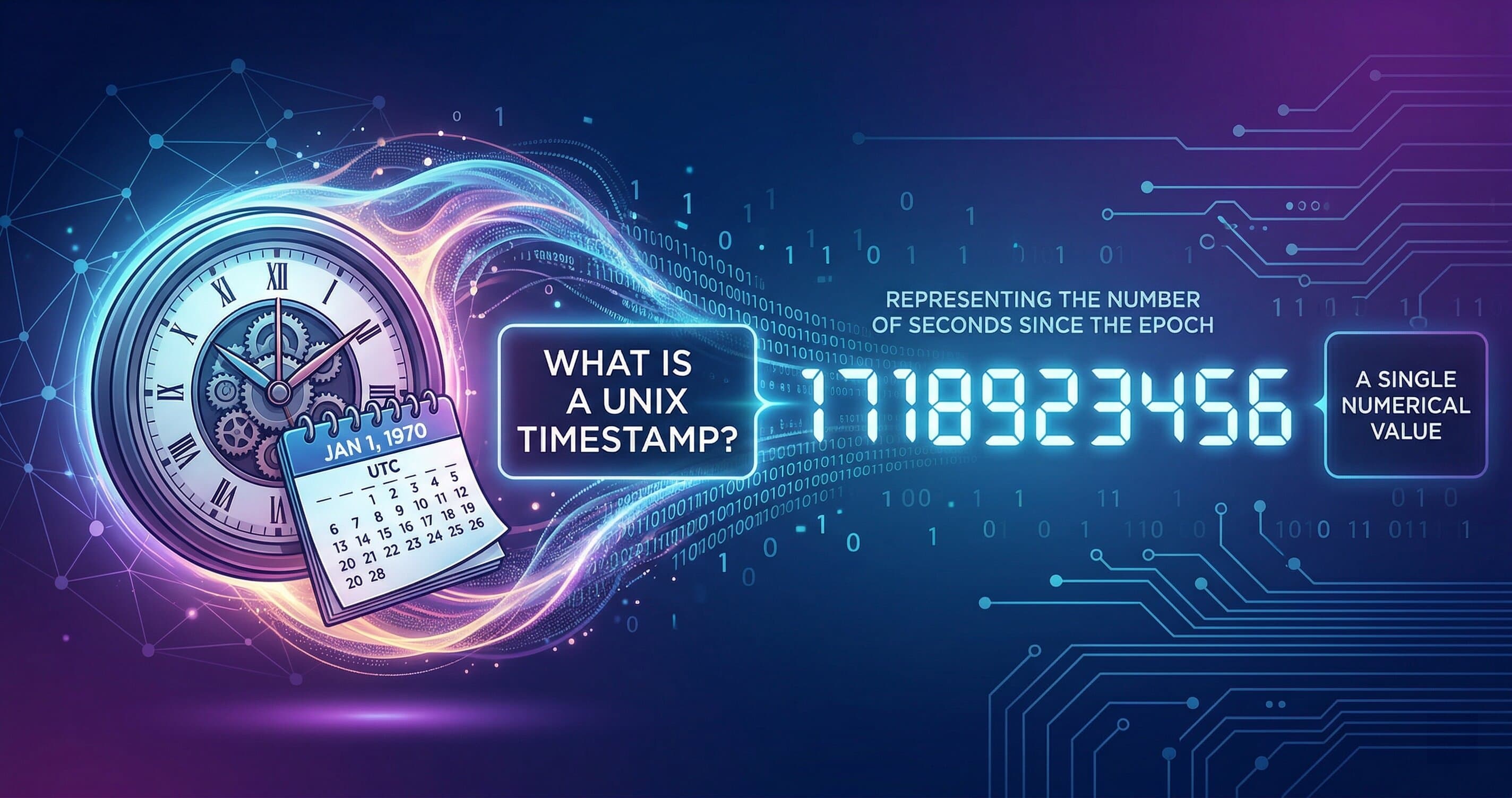
A Unix timestamp is the number of seconds that have passed since January 1, 1970 at 00:00:00 UTC. That's the whole concept. The number 1700000000 isn't random — it's a precise moment in time: November 14, 2023 at 22:13:20 UTC.
It looks cryptic. It isn't. And once you understand it, you'll see it everywhere — database columns, API responses, log files, JWT tokens.
What is a Unix timestamp?
A Unix timestamp (also called epoch time or POSIX time) is a single integer representing the number of seconds elapsed since the Unix epoch — midnight on January 1, 1970, in UTC. It doesn't store timezones or formats. It's just a number that any system in the world can interpret the same way. As of writing this post, the current Unix timestamp is somewhere around 1,740,000,000.
Why the year 1970?
Because that's when Unix was being built, and the developers needed a fixed starting point. They picked January 1, 1970 — clean, round, not too far in the past.
That choice became the standard. Every major programming language, database, and operating system now counts time from that same moment. When your server logs say 1711929600, they mean March 31, 2024 at 16:00:00 UTC — not "some time in March."
The consistency is the point. A Python script, a JavaScript frontend, and a Go microservice can all pass the same integer and mean the exact same moment — no timezone ambiguity, no format parsing, no "is that MM/DD or DD/MM?"
How Unix timestamps work — real examples
Here's the math broken down. One hour is 3,600 seconds. One day is 86,400 seconds. One year is roughly 31,536,000 seconds.
So to check what timestamp 1700000000 points to:
1,700,000,000 ÷ 86,400 = 19,675 days since Jan 1, 1970
19,675 days ≈ 53 years, 10 months
Jan 1, 1970 + 53 years, 10 months ≈ November 2023 ✓
You don't need to do that math yourself. But understanding it means you can sanity-check timestamps at a glance. Anything starting with 17 is roughly 2023–2024. Anything starting with 16 is 2020–2022. A timestamp of 9999999999 would be in 2286 — so if you see that in a database, something's wrong.
Where you'll actually encounter Unix timestamps
API responses. Most REST APIs return created_at, updated_at, and expires_at fields as Unix timestamps. GitHub, Stripe, Twilio — they all do this. When a Stripe webhook tells you a payment was processed at 1711929600, that's March 31, 2024 at 16:00 UTC.
Database columns. MySQL, PostgreSQL, and SQLite all support storing timestamps as integers. It's faster to index and compare integers than date strings. Sorting 10 million rows by created_at DESC is significantly faster when that column is a Unix timestamp vs a VARCHAR date.
JWT tokens. If you've ever decoded a JSON Web Token, you've seen iat (issued at) and exp (expiration). Both are Unix timestamps. An exp of 1740000000 means the token expires in early 2025 — paste it into a converter to know exactly when.
Log files. Server logs almost always use Unix timestamps. When something breaks at 3am and you're reading raw logs, knowing that 1711929600 means "Sunday March 31 at 4pm UTC" tells you if it happened during the traffic spike you were tracking.
JavaScript's Date object. JavaScript counts in milliseconds, not seconds. So Date.now() returns something like 1711929600000 — three extra zeros. This trips up a lot of developers when they try to compare a JS timestamp with one from a Python or Go backend.
JavaScript timestamps are in milliseconds. Most other languages use seconds. If you paste a 13-digit number into a Unix converter and it says the year 57,000, divide by 1,000 first.
Unix timestamp vs ISO 8601 — when to use each
| Format | Example | Best for |
|---|---|---|
| Unix timestamp | 1711929600 | APIs, databases, comparisons, storage |
| ISO 8601 | 2024-03-31T16:00:00Z | Logs, UI display, human-readable exports |
| Local date string | March 31, 2024 | End-user interfaces only |
Use Unix timestamps when machines are reading the data. Use ISO 8601 when humans might need to read raw output. Never store local date strings in a database — you'll regret it the moment you have users in two timezones.
Convert any Unix timestamp instantly
Paste the number, get the date. Or pick a date and get the timestamp back.
Free Tool
Timestamp Converter
Convert Unix timestamps to human readable dates.
Common mistakes with Unix timestamps
Mixing seconds and milliseconds. JavaScript uses milliseconds. Python's time.time() returns seconds. Node.js's Date.now() returns milliseconds. If you're passing timestamps between services in different languages, agree on one unit and stick to it — ideally seconds, with explicit conversion on the JS side.
Ignoring timezones. Unix timestamps are always UTC. The confusion comes when you display them. 1711929600 is the same moment everywhere on Earth — but "March 31 at 4pm" is only true in UTC. A user in New York sees March 31 at noon. A user in Tokyo sees April 1 at 1am. Your converter layer needs to know the user's timezone — the timestamp itself doesn't.
Storing timestamps as strings. You'll see this in legacy codebases: a VARCHAR column with values like "1711929600". You can't compare or sort these reliably. Always store timestamps as integers.
The 2038 problem. 32-bit signed integers max out at 2,147,483,647 — which corresponds to January 19, 2038. Any system still using 32-bit integers for timestamps will overflow on that date. Modern systems use 64-bit integers, so this isn't a problem if your stack was built after roughly 2010. But if you're maintaining old C code or embedded systems, check now.
To get the current Unix timestamp in most languages: Python → int(time.time()), JavaScript → Math.floor(Date.now() / 1000), PHP → time(), Go → time.Now().Unix().
Unix timestamps are one of those concepts that looks complicated until someone explains it simply — then you wonder why it ever confused you. The number 1700000000 isn't mysterious. It's just a count. And now you can read it.
If you work with APIs or databases, you'll also want to understand Base64 encoding — another concept that looks opaque until it clicks. And if you're generating unique IDs for records, the UUID generator pairs well with timestamp-based workflows.